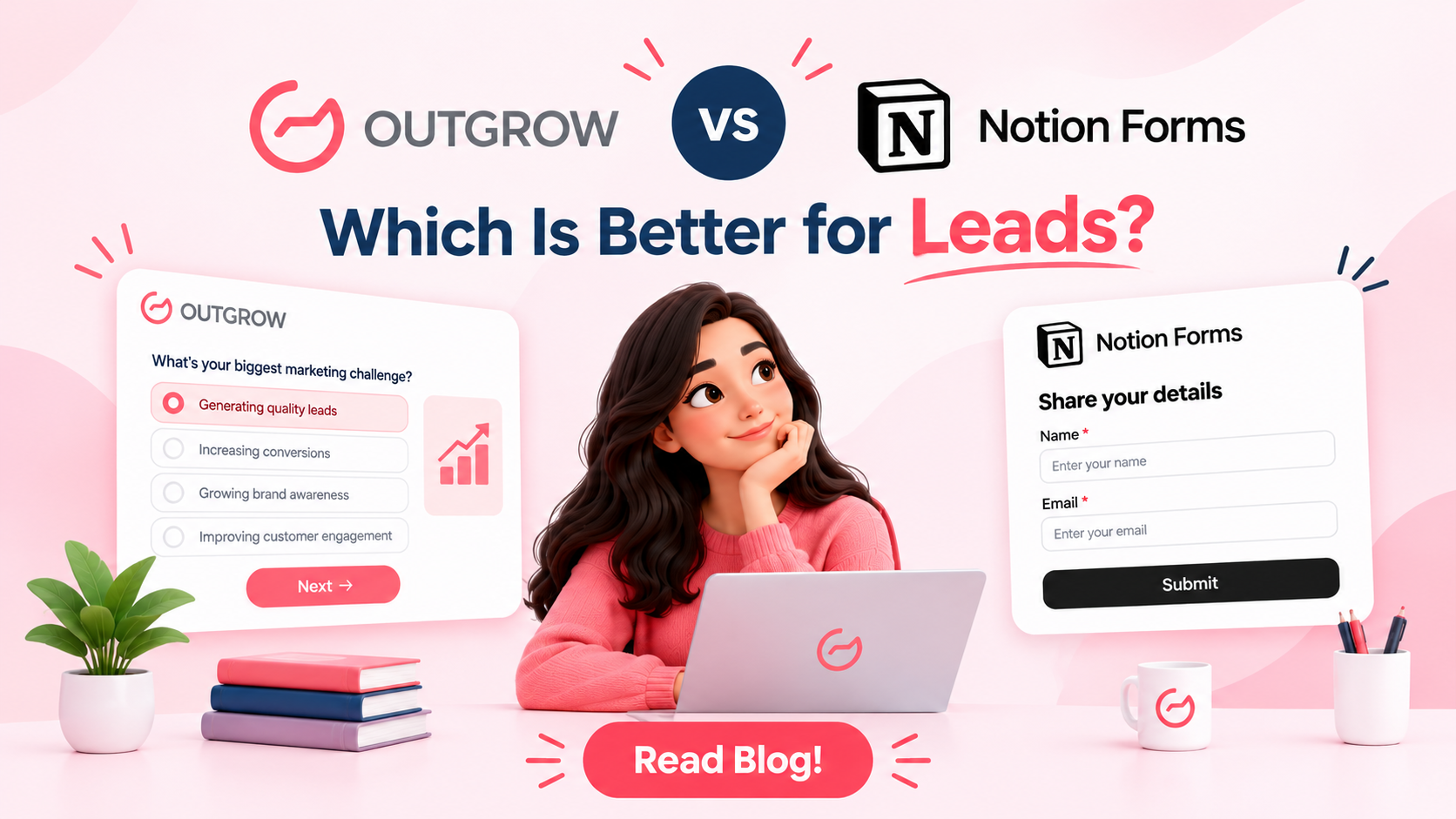
Outgrow vs Notion Forms: Which Is Better for Leads?
Table of Contents
Outgrow was built around one idea: interactive content that earns its leads. Every quiz, calculator, and assessment gives a visitor something useful. Notion came at it from the other side. It began as a notes app, spread into docs, wikis, and databases, and picked up forms along the way. Both tools build forms now, but only one was designed for lead generation from day one.
So the right pick comes down to the job. Want leads from visitors who’ve never heard of you? That’s where Outgrow vs Notion Forms stops being a close call, and where this post spends most of its time. Collecting requests, tasks, and data inside your own team? Notion Forms handles that with no fuss.
What Problem Are You Actually Solving?
Form tools get sold as one product. They’re really two jobs wearing the same coat.
Job one is getting strangers to raise a hand. Marketing lives here. You publish a post, traffic shows up, and the typical landing page converts at about 2.35%, per HubSpot. So roughly 97 of every 100 visitors leave without a word.
Job two is getting your own people to stop sending requests through six different channels. Operations lives here. Slack DMs, emails, a sticky note on somebody’s monitor. You want one door and one list.
Outgrow was built for job one. Notion Forms was built for job two.
What Is Outgrow?
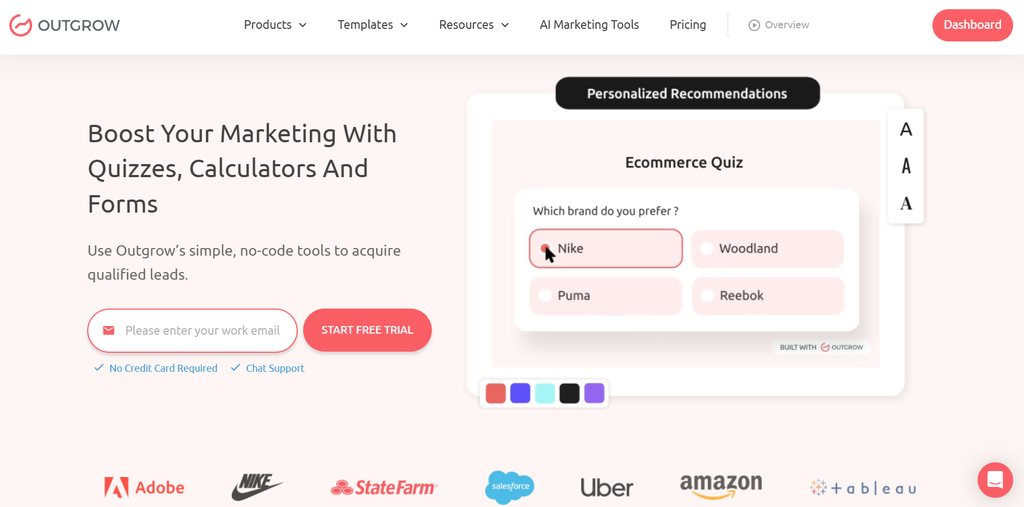
Outgrow is a no-code platform for interactive content. You build quizzes, calculators, assessments, polls, surveys, and lead forms in one editor, then embed them on any site with a popup or a link.
The idea is a swap. Instead of asking for an email and giving nothing back, you give the visitor a result. A score, a recommendation, a savings estimate. The email comes after, when they want the full report.
Under the hood, you get outcome logic, live formulas for calculators, branching, a dashboard with completion and drop-off rates, and native links to CRMs like HubSpot and Salesforce. Zapier handles the rest.
What Is Notion Forms?
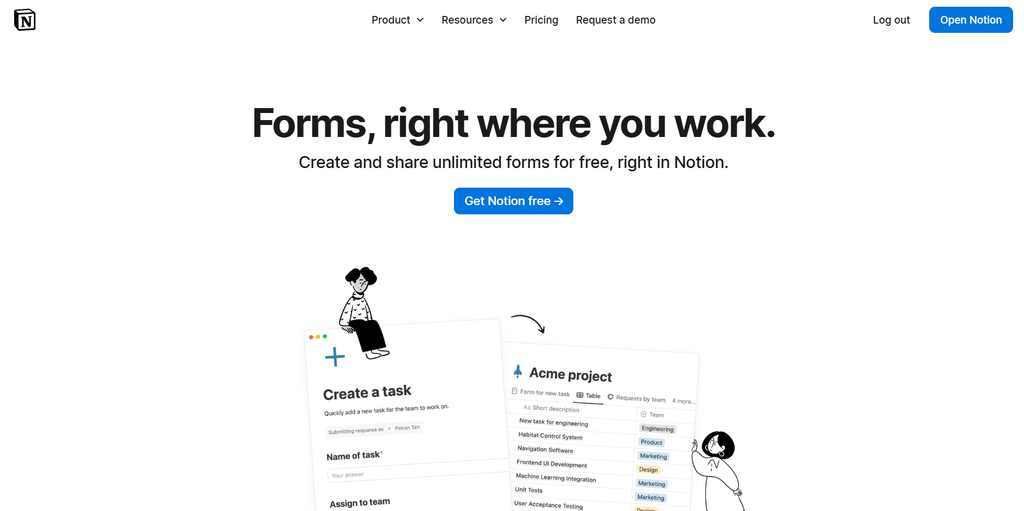
Notion Forms turns a Notion database into a shareable form. Someone fills it in, and a new row appears in your database. That’s the whole trick, and it’s a good one.
Setup is fast. Make a database, add a form view, pick which properties become questions, share the link. I built my first in under ten minutes, then burned another five reordering questions.
Forms are unlimited on every plan. Branching logic needs the Business plan. Custom database automations start on Plus, so a submission can ping Slack or change a status. Free accounts get tighter file upload limits.
Here’s where it stops. No scoring, no calculators, no result screens, and no built-in CRM sync. Submissions are rows, and whatever happens next is something you build with automations or Zapier.
Outgrow vs Notion Forms: Feature Comparison
| Feature | Outgrow | Notion Forms |
| Main job | Lead generation and interactive engagement | Data collection inside your Notion workspace |
| Content types | Quizzes, calculators, assessments, surveys, polls, chatbots, forms | Forms only |
| Conditional logic | Yes, across content types | Business plan and above |
| Scoring and personalized results | Built in, with custom result screens | Not available |
| Calculators | Native, no code | Not available |
| Ease of setup | Drag and drop editor and templates; 30 to 60 minutes for interactive pieces | Minutes, if you know Notion |
| Design and branding | Custom layouts, colors, and result pages; branding removal on higher plans | Clean but limited; branding removal on paid plans |
| Analytics | Built-in funnel and drop-off reporting | Basic; you build your own views on the database |
| Integrations | Native CRM and email tools, plus Zapier | Notion workspace, automations, and Zapier |
| Where responses live | Outgrow dashboard, synced to your CRM | Your Notion database |
| Support | Help docs, plus email and chat support | Help center, community, and email support |
| Starting price | Free plan for forms and surveys; paid plans from $14 a month (annual) | Included with Notion; Free, Plus, and Business tiers |
Where Interactive Content Changes the Math
Nobody wakes up wanting to fill out a form. People do take quizzes, though. They’ll punch numbers into a calculator at midnight just to see what comes out.
The Content Marketing Institute found that 81% of marketers say interactive content grabs attention better than static content.
Take a pricing calculator. Three questions: team size, current tool cost, hours lost each week. It returns a monthly savings figure in about 20 seconds. The visitor got something. You got inputs that tell sales how big the deal could be. Notion Forms can collect those same three numbers, but it can’t do the math or show the answer. The visitor submits and waits, and most lose interest before the reply lands.
Quizzes work the same way. A “Which plan fits your team?” quiz can send a five-person startup to a free trial and a 200-person company to a demo request. Same traffic, two paths. In Notion, every response is just another row, and somebody sorts them by hand later.
Then there’s follow-up. Outgrow passes the answers, the score, and the outcome to your CRM, so your email can say “you scored 72 on content maturity, fix this first” instead of “thanks for your interest.” One gets replies. The other gets archived.
Pricing: What You Actually Pay
Outgrow:
- Freelancer Limited: $22/month, core content types including quizzes and surveys
- Freelancer Pro: $45/month, more content types and higher lead volume
- Essentials: $115/month, calculators, assessments, advanced analytics, most integrations
- Business: $720/month, white-labeling, custom domains, enterprise support
- Full-feature free trial, no credit card required
Notion:
- Free: Basic forms, basic sites
- Plus: $10/month, Trial of Notion AI, Custom forms, Custom sites, Charts, File uploads
- Business: $20/month, Notion Agent, Custom Agents, Private teamspaces, AI Meeting Notes
- Enterprise: custom pricing, Zero data retention with LLM providers, User provisioning, Advanced security & controls, Audit log, Customer success manager
Ease of Use, Integrations, and Support
Outgrow
- Ease of use: Drag and drop, with templates sorted by industry. Quizzes come together in under an hour. Calculators ask more, since you need the formula worked out first.
- Integrations: Native connections to HubSpot, Salesforce, Mailchimp, and similar tools carry the lead, score, and outcome into the system your sales team already lives in. Zapier covers the rest. Embedding works on any site, whatever it’s built on.
- Support: You’re more likely to talk with someone who understands quiz structure and lead routing, not just where the buttons are. Help docs and templates handle the basics.
Notion Forms
- Ease of use: This is Notion’s home turf. If you already use it, you’ll ship a form before your coffee gets cold. No new login, no new interface.
- Integrations: Strong inside Notion. Responses drop into a database, automations fire notifications, and Zapier or Make reach outside apps. Marketing plumbing like CRM sync is yours to build.
- Support: Huge help center, big community, a tutorial for nearly every question. Just don’t expect advice on designing a lead funnel. That sits outside the product.
When Outgrow Is the Right Call
Choose Outgrow when the goal is leads, and you want to earn them. That means offering visitors a score, a recommendation, or a savings number in return for an email. It means sales needs to know who’s ready to talk and who’s browsing, and your CRM needs structured answers instead of a pile of text. It fits when you want to drop off data so you can fix weak questions, and when your site runs on a stack Notion can’t touch. If your results depend on persuading strangers, this is the tool.
When Notion Forms Is the Right Call
Choose Notion Forms when responses belong in a Notion database your team already works from. Internal requests, bug reports, event signups, client intake. You want it live in ten minutes with nothing new to install, and the budget is tight. In that case, another platform just adds another login to forget.
Real World Use Cases: Outgrow vs Notion Forms in Action
1. SaaS company, ROI calculator (Outgrow): A B2B software team swaps its “Contact Sales” form for a calculator. Visitors enter team size and current process costs, then see projected savings next to a “Book a Demo” button. By the time sales calls, the prospect already believes the number. They typed in the inputs.
2. Coffee brand, product quiz (Outgrow): A few questions about flavor, brewing gear, and caffeine habits lead to a roast recommendation and a subscription bundle with a checkout link. The shopper feels understood. The brand now knows each customer’s taste, which makes every later email better.
3. Agency, marketing maturity assessment (Outgrow): “How much is your marketing leaving on the table?” runs 12 questions and returns a scored report across channels, content, and attribution. The agency sees who scored low where, and opens the discovery call with that gap. No cold pitch.
4. Training platform, skills gap assessment (Outgrow): Professional learners respond to queries on role, experience, and goals; afterwards, a learning plan is provided to them along with recommended courses and an introductory discount for their initial enrollment. Every output categorizes the lead according to his/her goal and skill level.
5. Content team, request form (Notion Forms): Twelve people. Writers, designers, and sales all need assets. A Notion form feeds the editorial calendar, each request tagged and assigned in seconds.
The Verdict on Outgrow vs Notion Forms
These two products are not in competition. They cater to adjacent needs, and picking the wrong one becomes obvious real quick: a lead gen technique operating through a basic contact form or quiz platform overseeing a simple internal ticketing system.
It’s Outgrow for you if you need people to engage, receive something, and provide you with the information needed to know where to start calling. Notion Forms is the right choice for internal operations and anything that belongs as a row in your workspace. If your team still leans on a “Contact Us” page and a gated PDF, that’s the cheapest place to test an upgrade.
Conclusion: Pick the Tool for the Job
Outgrow vs Notion Forms isn’t a fight with one winner. Use Outgrow where your audience decides whether to stay or leave. Use Notion where your team works.
Try it as a 30-day test. Pick your highest traffic page. Build one quiz or one ROI calculator in Outgrow. Run it against your current form. Compare lead count, lead quality, and cost per lead. Let the numbers decide.
Sign up for Outgrow and start your 7-day free trial. Build your first quiz or calculator this afternoon. No credit card needed.
Frequently Asked Questions
Yes. There’s a free plan for basic forms and surveys, and paid plans add multistep forms, branching logic, and CRM integrations. Most teams drift toward quizzes and calculators once they see the completion rates.
Outgrow. Lead generation, lead qualification, and CRM integration are designed for lead acquisition and qualification. On the other hand, Notion Forms excels in collecting responses within your own work environment.
No. The editor is drag-and-drop, and templates are sorted by industry and goal. A custom calculator makes you think through the formula, but you won’t write code.
Usually, yes, through a connector like Zapier. Test the field mapping before you trust it with real leads.
Yes, forms come with every Notion plan, Free included. The free tier has tighter file upload limits, and branching logic and branding removal need a paid plan.
Yes, but only on the Business plan and above. On Free and Plus, every respondent sees the same questions in the same order.

Sakshi is a digital marketing enthusiast passionate about connecting brands with audiences. With a background in content strategy and social media, she loves turning trends into actionable strategies. Outside of work, you’ll find her reading a book or hunting for the perfect cup of coffee.