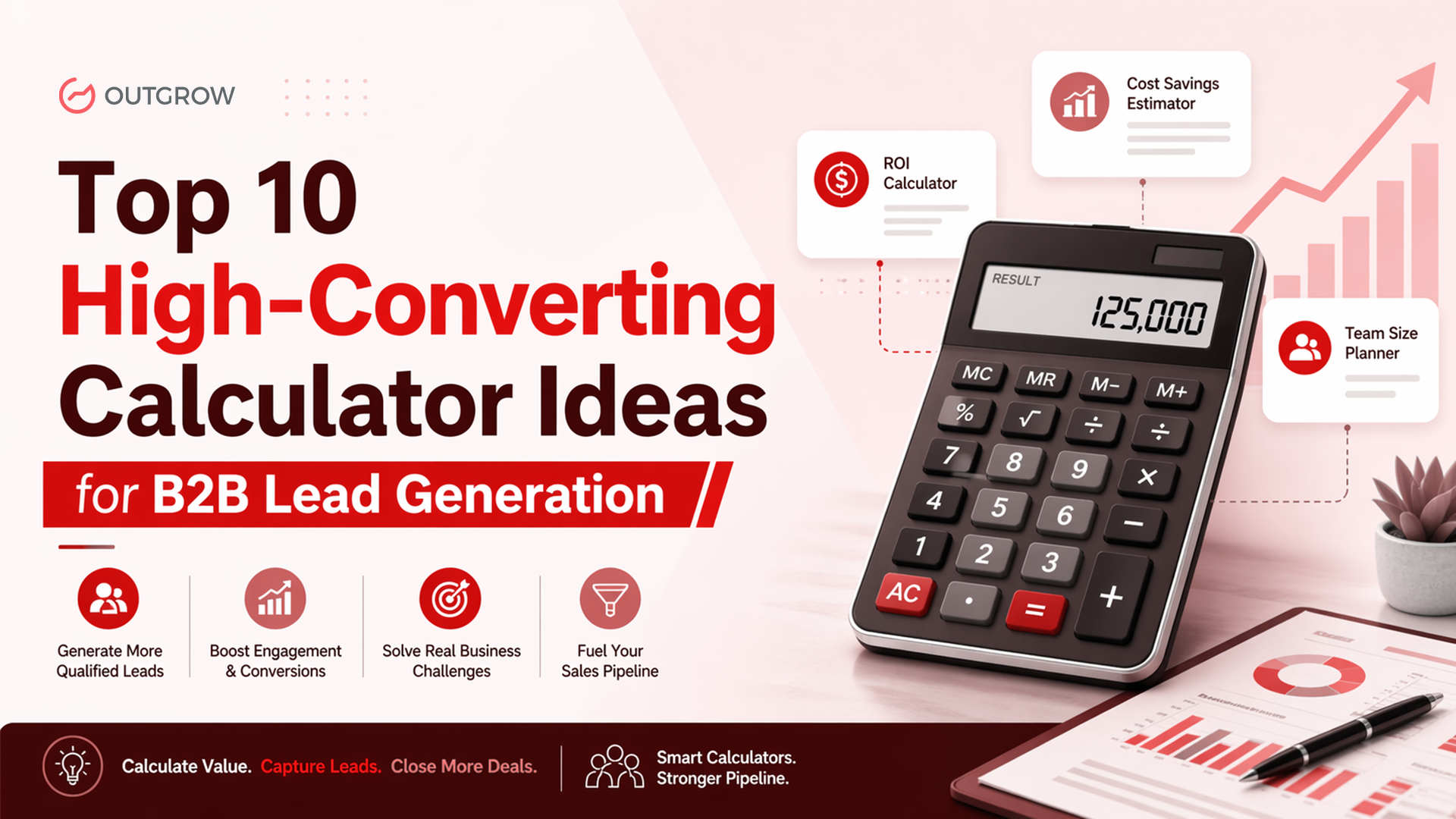
Top 10 High-Converting Calculator Ideas for B2B Lead Generation
Introduction
B2B buyers usually tune out sales talk. What gets their attention is something they can check for themselves. If they can plug in their own numbers and see what changes, it feels more real. That’s where a good calculator helps. It takes a general claim and turns it into something specific to their situation. They can screenshot it, forward it to their manager, or use it in a discussion. That’s why these tools often pull in better leads than regular landing pages, long PDFs, or even live sessions.
There’s also a simple reason this works. When people type in their own revenue, team size, or churn, they start thinking in terms of their own business. It’s not theory anymore. They’re already picturing how things might look if your product were in place. By the time the result shows up, the idea doesn’t feel new. It feels tested. At that point, filling out a form is just the next small step.
In this guide, you’ll find ten calculator ideas that have worked well in B2B. Each one includes what to ask for, how to show the results clearly, and who it tends to click with. Every example connects to a real problem and fits into a specific point in the buying process.
40–60% Avg. conversion rate for interactive calculators
2× More leads vs. static content on average
3 min Typical time spent on a B2B ROI calculator
72% B2B buyers prefer vendors who quantify value early
1. ROI Calculator
Table of Contents
TOP OF FUNNEL
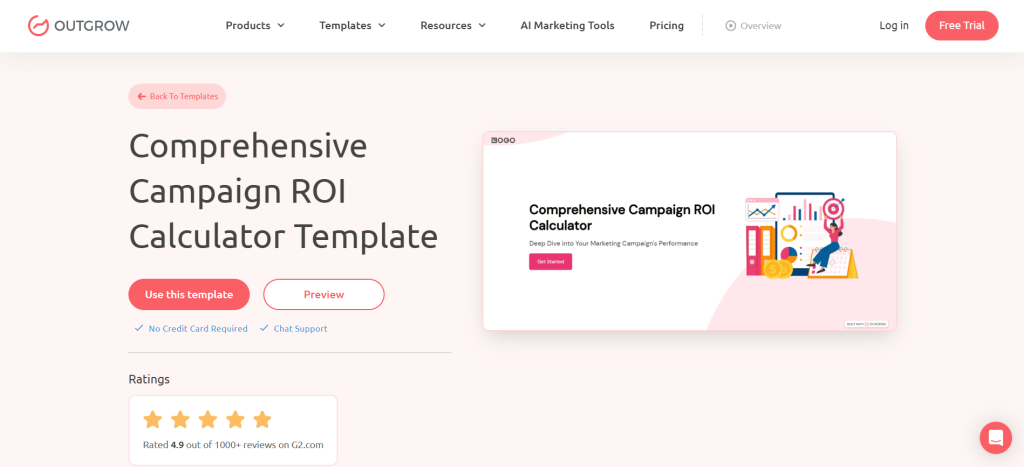
The ROI calculator is the undisputed workhorse of B2B lead generation. Most of them are badly built. The typical mistake is asking for too many inputs or presenting a single, suspiciously round output number. Prospects are savvy. They’ve been burned before by vendor calculators that spit out ‘save $1M in Year 1’ regardless of what you type in.
Calculators that convert every input to a specific, recognizable line item in the buyer’s budget (‘Hours your team spends on manual data entry per week’ rather than ‘Current inefficiency’). They show a range of conservative, realistic, and optimistic, and require an email address to reveal the full breakdown, not just a summary number.
Use cases & ideal industries:
- Replace a static ‘why us’ page
- Gate a downloadable ROI report PDF
- Embed in a paid LinkedIn or Google ad landing page
- Use as a sales enablement tool during discovery calls
- Pair with a case study to validate the numbers
- Send via email sequence after a demo request
💡 Tip: Add a ‘Send results to my inbox’ button that captures the lead and delivers a personalized PDF. Outgrow’s integrations push this data straight to your CRM.
2. Cost Savings Calculator
TOP / MID FUNNEL
While the ROI calculator answers ‘What do I gain?’, the cost savings calculator answers ‘What am I currently wasting?’, a far more visceral question for a CFO or procurement manager. Loss aversion is a well-documented cognitive bias; people are roughly twice as motivated to avoid losing $50,000 as they are to gain the same amount.
The best cost savings calculators map to recognizable categories: wasted software licenses, support tickets resolved manually, duplicate vendor contracts, or hours lost to context-switching. The moment a prospect sees ‘$187,000 in avoidable annual spend’ under a category they recognize from their own budget conversations, you have their full attention.
Use cases & ideal industries:
- IT and cloud cost optimization vendors
- Finance automation and AP/AR platforms
- Procurement and vendor management tools
- Customer support software companies
- Facilities and real estate management
- Compliance and audit automation
💡 Tip: Frame it as a ‘waste audit’ rather than a sales tool. ‘How much is your team losing to manual [process]?’ gets significantly higher click-through rates than ‘Calculate your savings with [Product].’
3. Pricing / Budget Estimator
BOTTOM OF FUNNEL
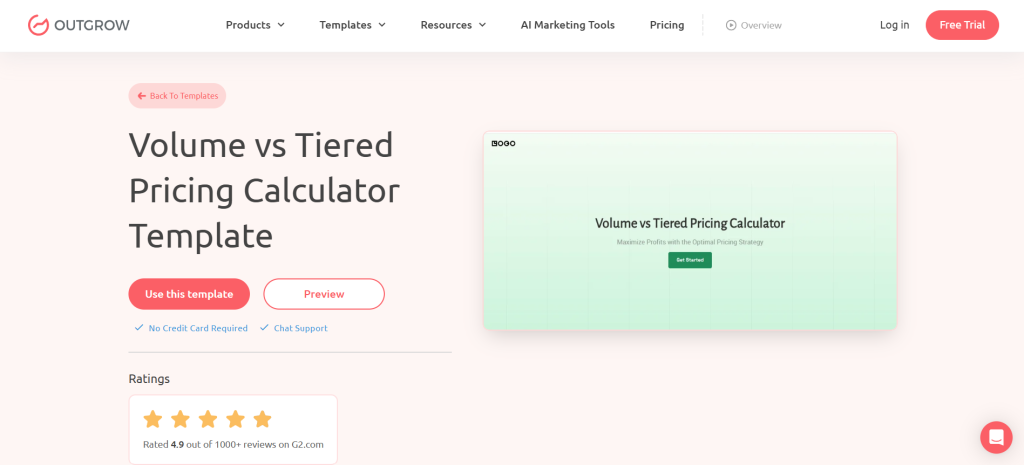
B2B buyers spend an enormous amount of time trying to figure out what something costs before they talk to a salesperson. This is the specific anxiety a pricing calculator resolves. When a prospect can self-qualify on budget, they arrive at the sales conversation far more prepared and far less defensive.
Transparent pricing builds trust in a landscape where enterprise SaaS is notorious for opaque ‘contact us for pricing’ walls. Show a real-time price update as inputs change; the dynamic feedback loop turns the calculator into a sandbox. Capture the lead at the end and use their selections to personalize the follow-up.
Use cases & ideal industries:
- SaaS with usage-based or tiered pricing
- Professional services and consulting firms
- Logistics and freight companies
- Custom manufacturing and fabrication
- Insurance and financial products
- Marketing agencies and creative studios
“The companies that publish a pricing calculator, even a rough one, get more qualified inbound leads than those that hide their pricing. The calculator self-selects; prospects who complete it are pre-qualified on budget and intent.”
— Common finding among B2B demand generation teams using Outgrow
4. Lead Scoring / Fit Assessment
TOP OF FUNNEL
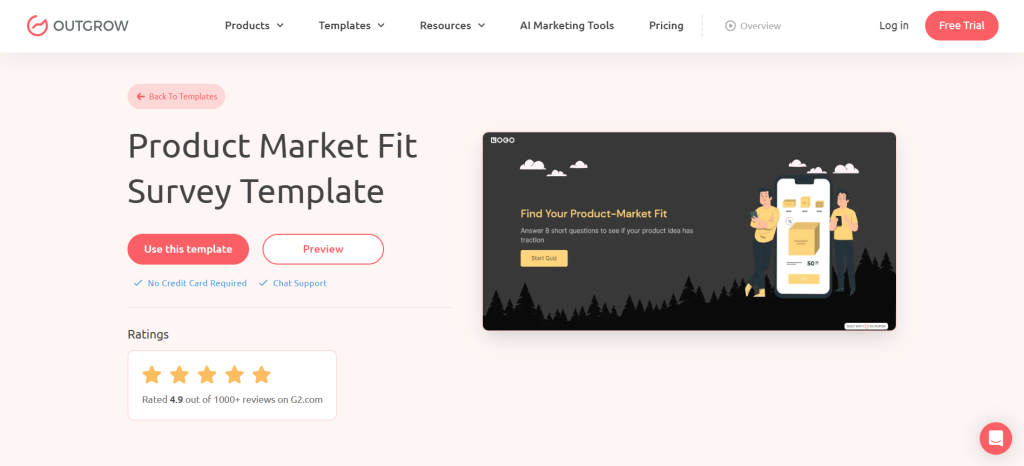
This format scores the prospect rather than your product’s value. Every business leader wants to know how they stack up against assessments that reveal a maturity score, generate fierce internal sharing, and return visits. From a lead qualification standpoint, every answer the prospect gives you is a signal: company size, tech stack, current process, goals, and budget range.
If you map your input fields carefully to your ICP criteria, you can auto-score inbound leads in your CRM the moment they submit. Your sales team stops guessing and starts calling the right people first. Weight the questions according to your actual ICP fit criteria, not generic ones.
Use cases & ideal industries:
- CRM and sales enablement platforms
- Cybersecurity and compliance vendors
- Digital transformation consultancies
- HR and talent management platforms
- Data analytics and BI companies
- Supply chain optimization vendors
💡 Tip: Segment your output into 3-4 maturity levels and build separate nurture tracks for each. Highest-maturity leads get fast-tracked to sales; lower-maturity leads enter an education sequence.
5. Productivity Gain Calculator
TOP / MID FUNNEL
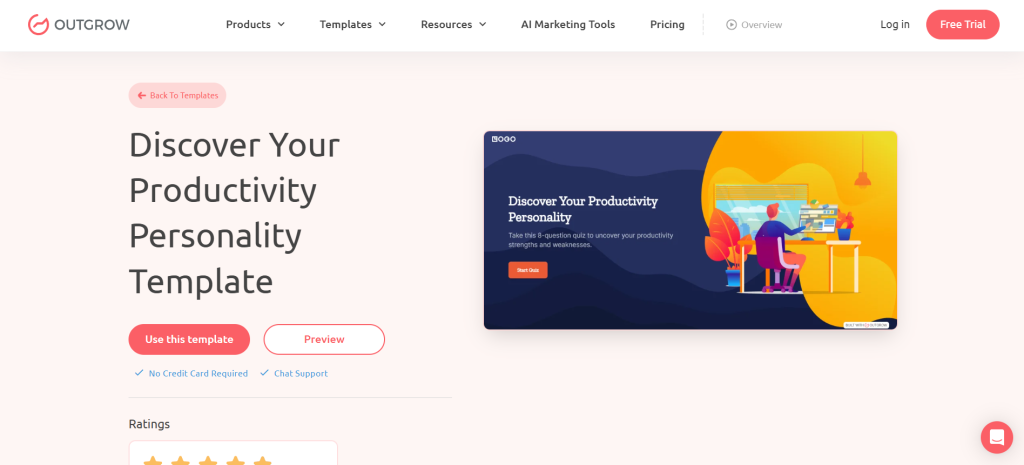
Time is the most relatable cost in any B2B context. Every manager knows exactly how much their team’s time costs, and every team feels the drag of repetitive, low-value work. The formula is straightforward: hours saved per person per week × affected employees × fully loaded hourly rate × 52 weeks.
The magic is in the specificity of inputs. ‘Hours spent on manual report compilation per week’ lands harder than ‘hours lost to inefficiency.’ Name the exact task your product eliminates, and the prospect immediately maps it to a real person on their team. Extend this into a compound calculation time savings + error reduction + faster cycle time for added credibility.
Use cases & ideal industries:
- Project management and collaboration tools
- Document automation platforms
- RPA and workflow automation vendors
- ERP and operations software
- Marketing automation tools
- Field service management software
6. Customer Lifetime Value (CLV) Calculator
MID FUNNEL
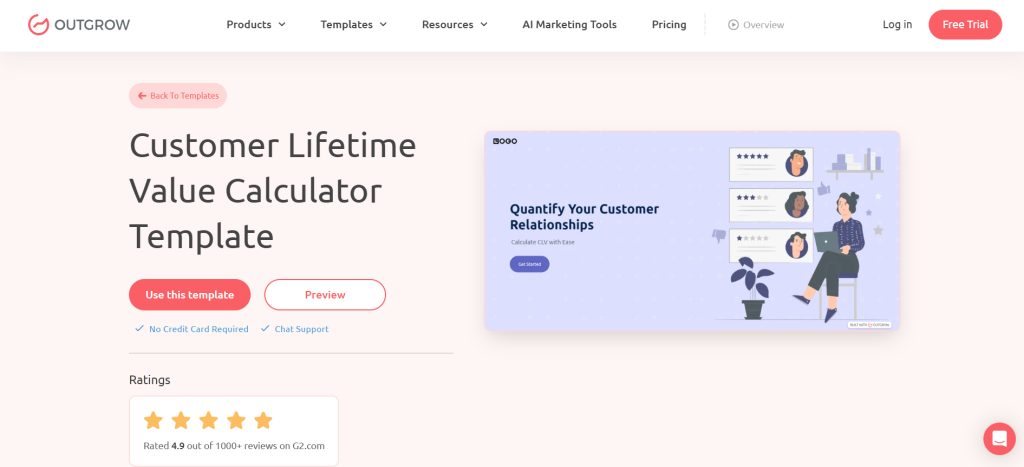
A CLV calculator works brilliantly for B2B companies whose product directly influences their customer’s ability to acquire, retain, or expand their own customer base. If you can help a prospect realize that each customer they acquire is worth $14,000 over three years, and your platform helps them acquire 30% more, you’re no longer a cost. You’re a revenue multiplier.
CLV calculators are especially persuasive for CRM vendors, customer success platforms, loyalty program providers, and churn reduction tools. Connect their CLV improvement to an annual revenue impact: a $14,000 CLV improvement across 200 new customers per year is $2.8M in additional revenue, a number worth taking to a board meeting.
Use cases & ideal industries:
- CRM and sales automation vendors
- Customer success platforms
- E-commerce and subscription platforms
- Loyalty and retention software
- Professional services firms
- Renewal and expansion-focused B2B tools
7. Total Cost of Ownership (TCO) Calculator
BOTTOM OF FUNNEL
The TCO calculator is the most underutilized tool in B2B content and among the most persuasive. When comparing your solution against a competitor, prospects usually compare sticker prices. A TCO calculator forces a full apples-to-apples comparison: licensing, implementation, training, internal maintenance, downtime, support, and opportunity cost.
Let the prospect build the comparison themselves; you supply the framework. When they conclude that your ‘expensive’ solution is actually 40% cheaper to own over three years, it’s their math, not yours. That distinction matters enormously in enterprise deals where procurement and finance are scrutinizing every line item.
Use cases & ideal industries:
- Enterprise software (ERP, HCM, CRM)
- Infrastructure and cloud platforms
- Hardware and IoT vendors
- Managed IT service providers
- Custom development vs. platform comparisons
- Security and compliance platforms
💡 Tip: Build a version your AEs can run live during a discovery call. It turns the pricing conversation from a one-sided pitch into a collaborative analysis much harder for a prospect to dismiss.
8. Revenue Growth / Upside Calculator
TOP / MID FUNNEL
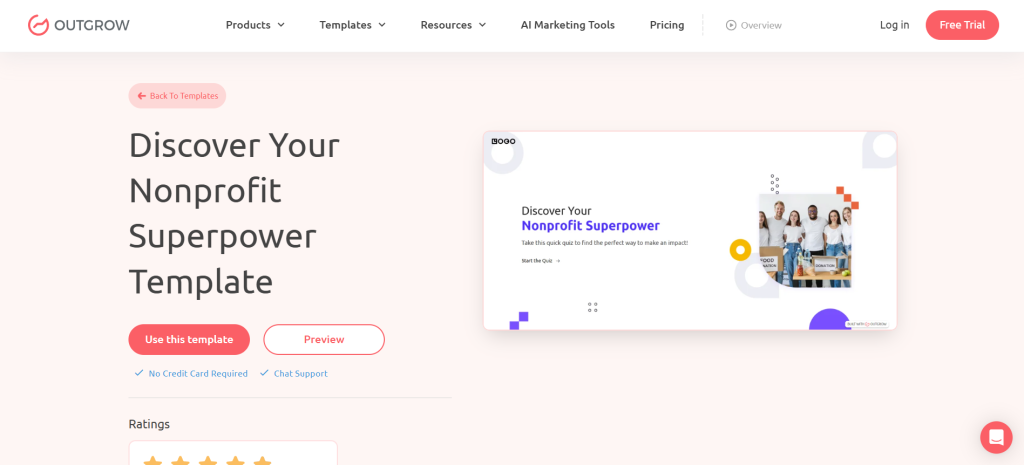
Where most calculators focus on cutting costs, the revenue growth calculator flips the narrative: it’s about making more money. For revenue-focused buyers, heads of sales, VPs of marketing, and chief revenue officers, this framing is far more compelling than efficiency gains. Even a 5% improvement in pipeline-to-close rate and a 10% increase in average deal size can compound into seven-figure annual revenue gains for a mid-market company.
The key to credibility is benchmarking. Add industry-average conversion rates and attainment benchmarks. When a prospect sees their close rate is 4% below their industry median, they immediately want to know how to close that gap, and you’re already there with an answer.
Use cases & ideal industries:
- Sales intelligence and enablement tools
- Revenue operations platforms
- Demand generation agencies
- ABM and intent data platforms
- Proposal and CPQ software
- Conversation intelligence vendors
9. Risk Assessment / Exposure Calculator
MID / BOTTOM FUNNEL
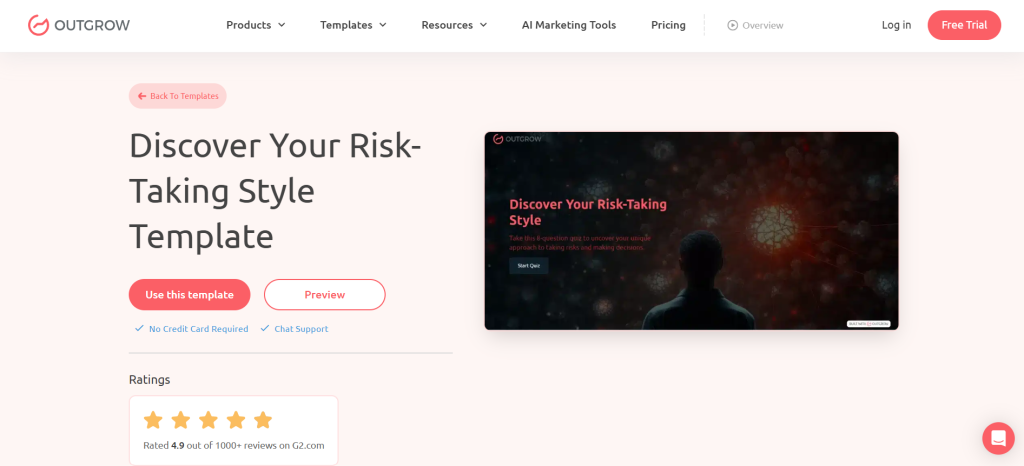
For B2B categories where the primary buyer emotion is fear rather than ambition, cybersecurity, compliance, insurance, legal tech, and business continuity, a risk calculator is extraordinarily effective. It quantifies the potential downside of inaction, which is often far more motivating than the upside of investment. A CISO who sees that their current exposure puts them at $4.2M in potential breach liability will have a very different board conversation.
Risk calculators generate outputs that prospects share upward. A risk score with a dollar figure attached gets forwarded to a CFO or board. That kind of internal amplification is something no cold email campaign can replicate. Be scrupulous about sourcing your benchmarks, citing Ponemon, IBM Cost of a Data Breach, or industry reports to keep the analysis credible.
Use cases & ideal industries:
- Cybersecurity vendors (EDR, SIEM, ZTNA)
- Compliance and regulatory tech
- Business insurance platforms
- Legal and contract risk management
- Data governance and privacy tools
- Financial risk and fraud detection
10. Carbon / Sustainability Footprint Calculator
TOP OF FUNNEL · BRAND
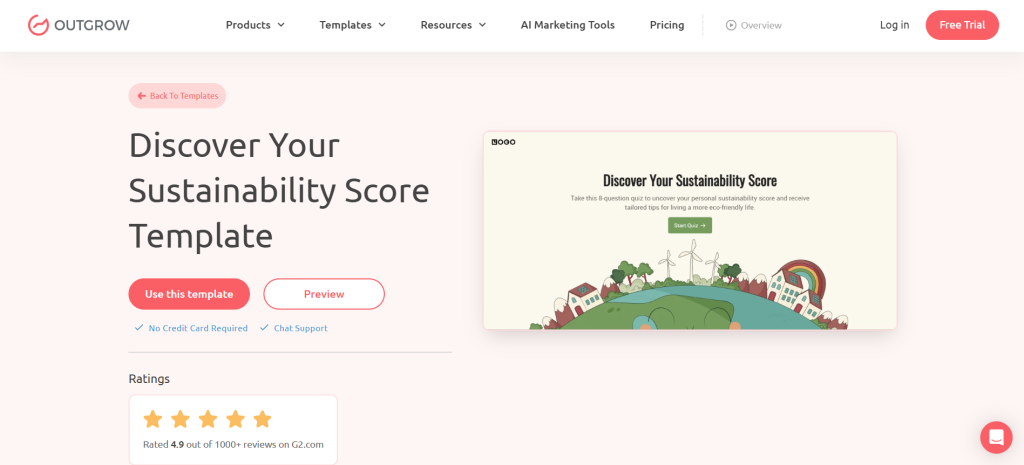
ESG commitments are now a boardroom priority for a large and growing segment of enterprise B2B buyers, particularly in manufacturing, logistics, real estate, and any company with Scope 3 reporting obligations. A sustainability calculator that helps prospects quantify their operational carbon footprint is both a powerful lead magnet and a genuine act of value creation.
The output should tie to specific regulatory frameworks, GHG Protocol Scope 1, 2, and 3; EU CSRD; and SEC climate disclosure so the prospect understands the compliance relevance, not just the environmental one. This calculator is also uniquely shareable: sustainability teams use outputs in investor decks, annual reports, and RFP responses, attaching your brand to every copy.
Use cases & ideal industries:
- Logistics and fleet management platforms
- Facilities and energy management software
- Supply chain visibility vendors
- Real estate and property management tech
- Manufacturing and operations platforms
- Sustainability consulting firms
💡 Tip: With SEC climate disclosure rules and EU CSRD expanding in scope, this audience is growing rapidly. Companies building strong sustainability content now will own significant organic traffic as regulatory urgency increases.
⚡ 7. Universal Best Practices for B2B Calculator Lead Gen
- Gate strategically. Ask for an email after the prospect has seen a preview of the output, not before. The partial reveal technique dramatically increases form completion rates.
- Keep inputs to 5-8 fields. Every additional input after the eighth reduces completion rates by ~10-15%. Prioritize fields that directly influence the output.
- Use progressive disclosure. Break the calculator into 2-3 steps with a progress bar. Multi-step calculators feel less demanding than a long single-page form.
- Make outputs shareable. ‘Send results to my email’ and ‘Download as PDF’ are core conversion mechanisms that, when results are shared with a team, generate more downstream pipelines.
- Connect to your CRM in real time. Map every input field to your lead record so sales can see exactly what a prospect entered before they pick up the phone.
- A/B test the headline. The question your calculator asks affects who clicks and what mindset they bring. Test value-positive vs. loss-aversion framings.
- Refresh benchmark data annually. Calculators using outdated industry benchmarks feel stale. Schedule an annual review of every assumption baked into your calculation logic.
The Bottom Line
Interactive calculators are not a gimmick. They are one of the highest-performing B2B lead generation assets available because they make your value proposition personal, specific, and immediate. When a VP of operations sees that their company is hemorrhaging $340,000 a year in a process you eliminate, they don’t need more nurturing. They need a demo date.
The ten ideas in this guide cover the full funnel from awareness-stage assessments that qualify prospects at scale to bottom-funnel TCO tools that close the comparison objection. Pick the one that maps most directly to your buyer’s primary question, build it with specificity, and let your CRM and sales team take it from there.
▶ Build Your Calculator with Outgrow
Frequently Asked Questions
The magic happens when it spits out results tailored to the prospect’s actual numbers, not some generic fluff. Lock the full output behind an email gate after they’ve put in the effort and glimpsed a teaser. And make it shareable like a clean PDF summary or emailed report they can forward to their team.
Stick top-of-funnel ones like ROI estimators, productivity boosters, or cost-savings checkups in your paid ads or organic posts to hook ’em early. Bottom-funnel heavy hitters, think TCO calculators or pricing tools, shine on product pages, in demo follow-up emails, or as quick sales aids your AEs can demo on discovery calls.
Tools like Outgrow make it easy with branching logic; just ask upfront, “What’s your main role?” and route them to the right personalized results.
Super fast for basics, a single-step one with 5-8 inputs and a gated results page? You could knock it out in a couple of hours using their no-code builder. Fancier multi-step versions with logic branches, PDF exports, and CRM hooks might take 1-3 days.
Outgrow plays nicely out of the box with Salesforce, HubSpot, Marketo, Pardot, ActiveCampaign, Mailchimp, and a bunch more, plus Zapier or Make for the rest. Once someone drops their email, boom: all their inputs land straight in your CRM lead record.

I am a Digital Marketing Enthusiast with a passion for optimizing content and paid marketing strategies. Continuously seeking innovative approaches to boost ROI and engagement at Outgrow.