Outgrow vs Formsort: Which Multi-Step Form Builder Is Better for Lead Generation in 2027?
Introduction
Table of Contents
If you need to think about a multi-step form builder, both Outgrow and Formsort have good chances of becoming your choices. At a glance, they seem similar. Both platforms offer multi-step forms, both offer conditional logic, and both integrate with your CRM.
However, once you dive into the details, you realize that these are solutions for different types of people. Formsort is a flow and form platform for product and growth teams focused on having full control over multi-branching flows, with solid experience in the healthcare industry. Outgrow is a marketing platform where you get a form builder with a free plan and lead tools available to marketers with no engineering needed.
Here is the list of criteria we will consider while comparing these two form builders: form building, logic, design options, integrations, and prices.
Why Multi-Step Forms Matter Before You Compare Tools
As per the benchmarks of Digital Applied for 2026, breaking up the same fields into two or three stages increases completion rates by an average of 14%and 21% in B2B lead generation forms with six or more fields. It is also revealed in the same report that mobile lead forms convert almost 32% lower than desktop forms, hence making responsive design more than a feature.
There is a famous case study of Venture Harbour that broke its consulting inquiry form into multiple steps rather than having it on one page, thus increasing its conversion rate from 0.96%to 8.1%, as mentioned by Lead Gen Economy.
What Is Outgrow’s Form Builder?
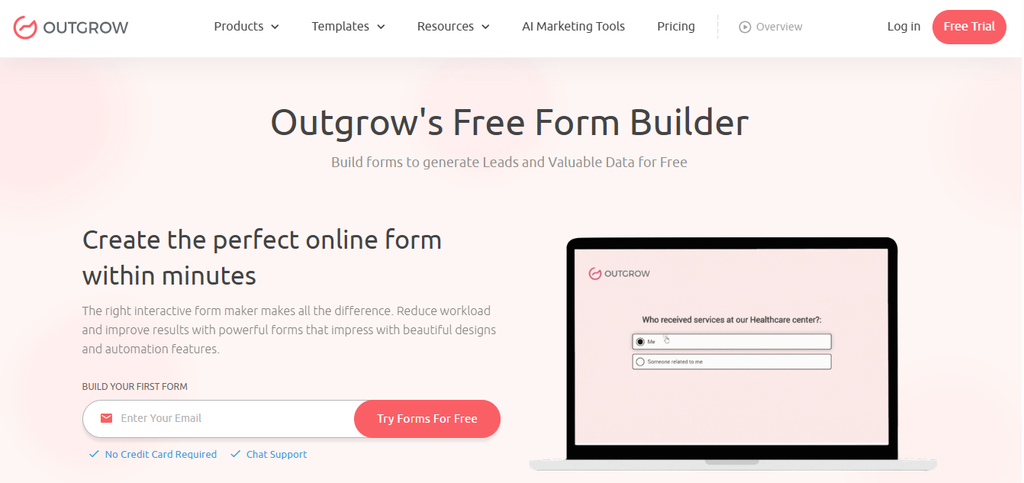
Outgrow is a no-code platform. The Form & Survey Builder is one of its content types and is accessible on free plans. All you have to do is create a form in the visual editor, select the layout, insert your logo and color theme, and then embed the form into any webpage or publish it on Outgrow.
- Forms with multi-steps and a visual indication of the form progress bar
- Field types such as checkbox, radio, dropdown, slider, star rating, date picker, and file upload
- Jump logic and conditional messages, where answers will dictate how questions appear
- Thank you page customized with conditional calls to actions
- Email validation, team email alerts, and HTML, CSS, and JavaScript editor (For business plan)
- Integrations with native integration with HubSpot, Salesforce, Mailchimp, ActiveCampaign, and Slack, and integration with Zapier with 1000 plus apps
- An accessibility option for keyboard and screen reader compatibility
Outgrow also has interactive quiz creation, calculators, and chatbots that can be used under the same login ID. If you require only forms, then you can completely neglect these options.
What Is Formsort?
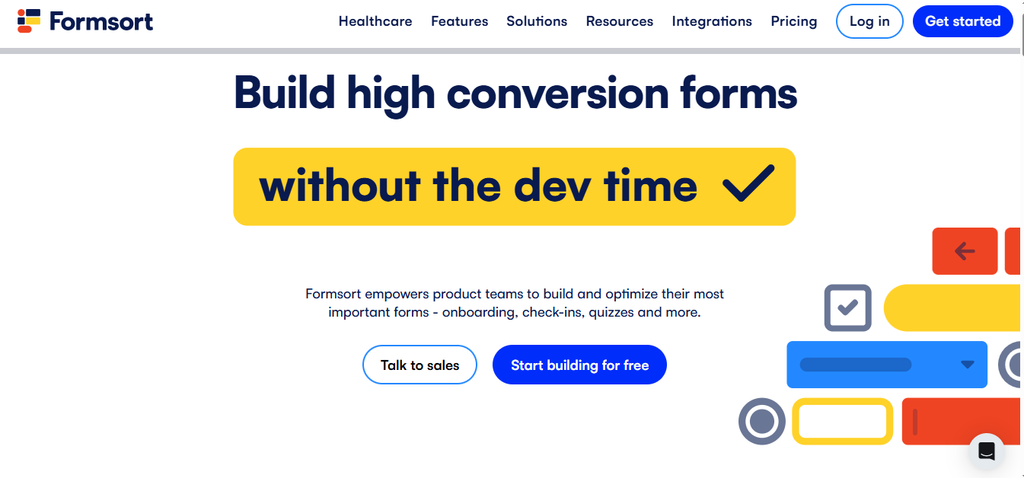
Formsort considers forms to be designed and testable flows. Low-code enables product managers, marketers, and designers to modify flows, while developers can do more, if required.
- Multistep flow with simple and advanced conditional logic to determine what steps the user is allowed to see
- Progress bar and automatic advancement to the next step
- Step-by-step partial save feature to enable the user to resume the process from where he left off
- Pre-filling of forms using the information that you already have
- A/B testing and form analytics
- Custom validation, custom CSS, and custom domains
- Calculation variables, API variables, JSON form definition, and an admin API
- Payment processing via Stripe, integration with Salesforce, Segment, Google Analytics, and webhooks
- EHR Integration, HIPAA compliance on Enterprise, SOC 2 Type II, and multiple environments
Just one thing that you should remember – Formsort does not store the respondent information for the long run. The submissions remain on Formsort for about three weeks until they are transferred to your integrated applications.
Outgrow vs Formsort: Multi-Step Form Builder Feature Comparison
| Form feature | Outgrow | Formsort |
| Multi-step forms | Yes, with progress bar | Yes, with progress indicators and auto-advance |
| Conditional logic | Logic jump and conditional messaging (full access from Freelancer Pro, none on Free) | Basic and advanced logic that shows or hides steps |
| Save and resume | Save Progress listed under Enterprise | Partial saves and returning responders (Pro) |
| Pre-filled fields | Not listed on pricing page | Yes |
| Validation | Email validation | Custom data validation |
| Design control | Layouts, logo, colors; custom font and branding removal on Business | Custom-built themes, custom CSS, custom domain |
| Code-level control | HTML, CSS, JavaScript editors | JSON definitions, API variables, admin API |
| Split testing | Not highlighted | Core feature |
| Analytics | Leads, responses, traffic, question funnels | Form analytics and drop-off tracking |
| Integrations | Native CRM and email tools, Zapier | Salesforce, Segment, Google Analytics, webhooks, EHR |
| Compliance | SOC 2 Type II | SOC 2 Type II, HIPAA on Enterprise |
| Free plan | 100 leads per month | 100 flow starts per month |
Where Each Tool Pulls Ahead
- Logic and flow design: Outgrow takes care of the basics with logic jumps and conditional messaging and offers one additional advantage – the thank-you page or call to action could be changed depending on responses. The downside is that Outgrow’s Free plan does not offer a logic jump, so it will become available only with the paid subscriptions. Formsort offers advanced options such as auto-advance, save points, and customizable step logic.
- Design: Outgrow provides pre-designed templates and requires the Business plan to allow removing branding, using a custom font, or a custom domain. FormSort’s offer is almost customization without engineers, with full control over design offered by the Pro plan.
- Data capture: Outgrow collects, segments, and exports lead data and uses email validation to filter out spam emails. Formsort provides partial saves for long forms.
- Testing: Analytics are key for Outgrow, including question funnels for the Business plan. Split testing is the priority for Formsort.
- Compliance: Both products are SOC 2 Type II certified. For handling protected health information, Formsort looks more suitable.
Outgrow vs Formsort Pricing: What You Actually Pay
Pricing: Outgrow
| Plan | Billed monthly | Billed annually | Leads per month | Content pieces |
| Free Forms/Surveys | $0 | $0 | 100 | 4 |
| Freelancer Limited | $22 | $14 | 250 | 5 |
| Freelancer Pro | $45 | $25 | 1,000 | 7 |
| Essentials | $115 | $95 | 7,500 | Unlimited |
| Business | $720 | $600 | 50,000 | Unlimited |
| Enterprise | Custom | Custom | Custom | Custom |
Outgrow doesn’t charge per lead, but each plan has a lead limit, and you can add more when you hit it. New companies and small businesses can look at Startup Basic (35 per month) and Startup Special (55 per month), both on annual billing. The free trial gives you the Business plan for 7 days, no credit card needed.
| Plan | Price | Flow starts per month |
| Free | $0 | 100 |
| Pro | $279/month | 1,000 |
| Enterprise | Contact sales | Above 1,000 |
FormSort pricing: On Free, responses beyond 100 a month are discarded, and FormSort branding stays on your forms. Paying yearly gets you two months free, so Pro comes to about $2,790 a year. On Pro, going past 1,000 flow starts costs $239 for each extra 1,000. Enterprise adds HIPAA compliance, multiple environments, advanced roles, and a dedicated implementation manager.
Comparing them fairly
The meters differ: a Formsort flow start counts when someone completes at least one step, while an Outgrow lead counts when someone submits the lead form. Still, at around 1,000 submissions a month you’d pay $279 on Formsort Pro versus 45 on Outgrow’s Freelancer Pro billed monthly (25 billed annually). Formsort’s higher price buys testing, design depth, and compliance, which is worth it when the form is central to your product.
Benefits of Choosing the Right Multi-Step Form Builder
A good form tool pays off in ways that go beyond the form itself.
- Even more completed forms: With multi-step design, progress tracking, and intelligent logic, long forms look shorter, making it less likely for people to abandon before finishing.
- Cleaner leads: Validation fields and conditional questions prevent unwanted, messy answers from entering your CRM.
- Quick time to launch: Having marketers build and modify the form on their own means campaigns get launched in days, not weeks.
- Smarter follow-up: Direct integration of answers to your CRM or email campaign software lets you react to what they’ve actually told you.
- Cheaper leads: A form with a tiny bit better conversion ratio makes your advertising budget go farther.
- No surprises: With lead limits, branding guidelines, and cap numbers known upfront, the cost is predictable.
Real-World Use Cases
- Lead capturing on landing pages: A B2B software company substitutes a nine-field contact form for a three-step process. Initial steps will ask some easy questions such as the size of the company, while the last step will ask for the email. Outgrow will work best for this task because it takes minutes to set up and is easily embeddable.
- Patient intake for a clinic: A telemedicine startup requires lengthy patient history forms, logic questions, saving of progress, and HIPAA compliance. Formsort was designed specifically for this purpose, with electronic health record integration and Enterprise features.
- Loan and insurance applications: Every question matters, and every drop-off is costly. A fintech company will test different variants of screen order, question wording, and data validation. A/B testing and saving user progress will be helpful with Formsort.
- Event registration and gated download pages: The marketing team captures event registrations, qualifies the audience through some questions, and shows a special thank-you page based on their answers. Outgrow’s conditional messages and embeddability take care of this without additional tooling.
Common Form Mistakes to Avoid
Whichever tool you pick, a few habits can hurt results.
- Demanding too much too soon: Begin with the simple questions and save the complex ones, such as asking for phone numbers, for later stages.
- Omitting mobile testing: Because mobile forms have lower conversion rates, always test every form you create using your phone.
- Inclusion of unnecessary steps: Steps should be helpful and beneficial. Adding steps to an already short form will just make things more difficult.
- Ignoring the drop-off data: If you ignore the areas people drop out, you will never be able to solve the issue with that particular step.
- Not thinking about what comes next: Not having a follow-up after form submission is like losing out on an opportunity to make a positive impact.
- Surpassing your plan’s limitations: Lead caps in Outgrow and flow start caps in Formsort could either pause or stop you from achieving your objective.
So Which Multi-Step Form Builder Should You Choose?
Use Outgrow if you’re looking for a form builder that’s easy to use and has a step-by-step process, conditional forms, a free version, and cheaper pricing, and you don’t mind having limited options when it comes to testing and engineering.
Go for Formsort if forms are an integral part of your product experience, you have a $279 monthly budget, and you want features like A/B testing, resume ability, design flexibility, and HIPAA-compliant forms.
Most teams often go with a simpler solution, test their forms first, and then switch to something more complex.
Try Outgrow Free
Want to see how Outgrow’s multi-step forms hold up against your current ones? Start the 7-day free trial, which includes the Business plan and needs no credit card. Build your lead form, run it for a few weeks, and compare the numbers now.
Frequently Asked Questions
FormSort is a flow-based form platform that features split testing, save and resume, and HIPAA options, targeting product and growth teams. Outgrow is a marketing platform that features forms with easy configuration, a free tier, and lower prices.
The free plan of Formsort offers 100 flow starts per month, while the Pro plan costs $279 per month. The Outgrow has the Free Forms/Surveys Plan, paid plans starting from 22 per month billed monthly(14 billed annually) and the Business plan costing 720 per month(600 billed annually).
Yes, it features logic jumps and conditional messaging. Conditional logic is fully available on the Freelancer Pro plan and not available in the Free plan.
Yes, Formsort stores answers in every step and allows resuming the forms from where you stopped and returning responder feature comes in the Pro plan.
FormSort for HIPAA compliance on Enterprise, EHR integrations, and shorter data retention feature. Both are SOC 2 Type II Certified.

Muskan is a Marketing Analyst at Outgrow. She is working on multiple areas of marketing. On her days off though, she loves exploring new cafes, drinking coffee, and catching up with friends.