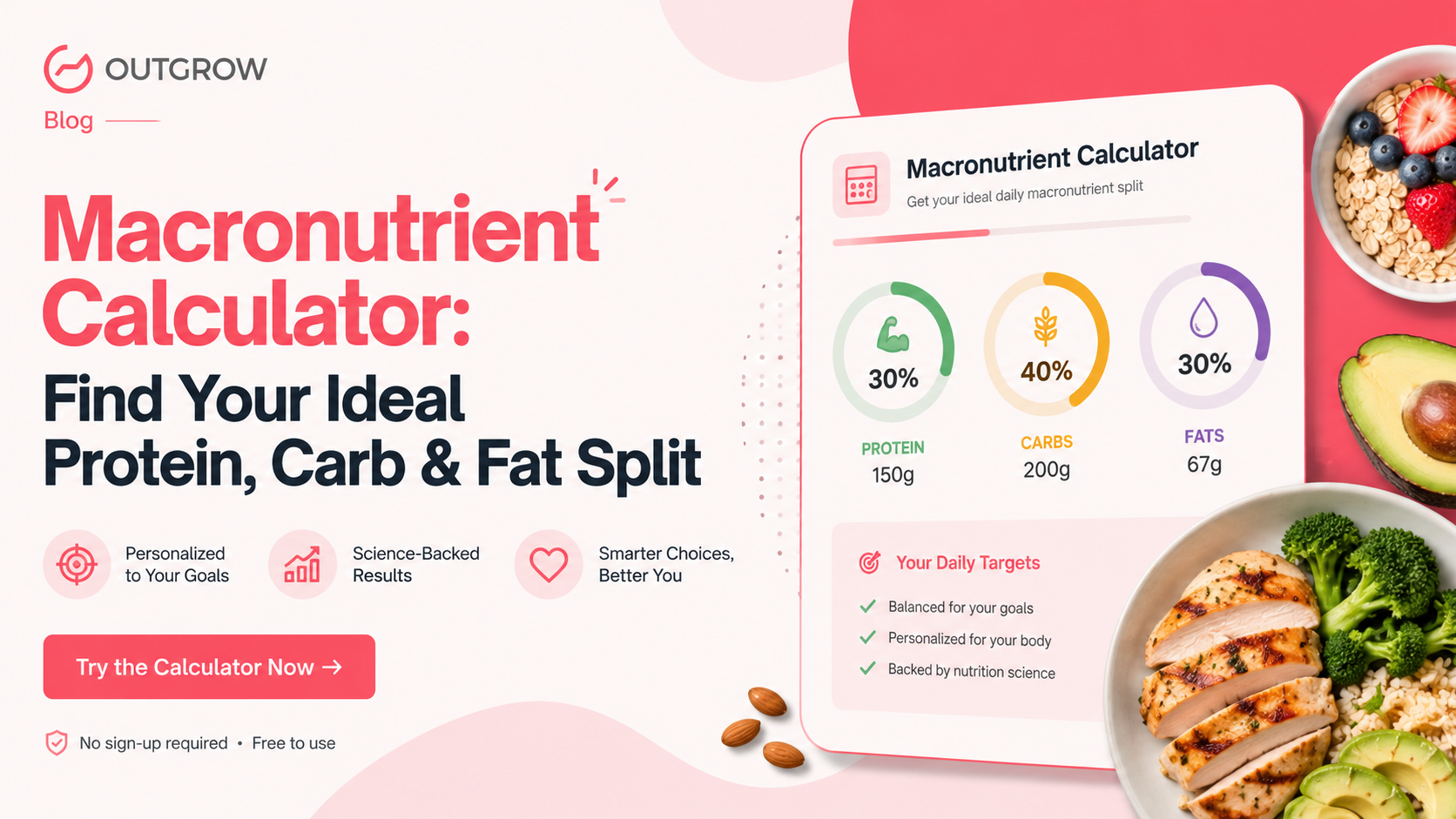
Macronutrient Calculator: Find Your Ideal Protein, Carb & Fat Split
Table of Contents
You hit your calorie target all week. The scale hasn’t moved. It happens to almost everyone at some point, and it’s usually not a calorie problem.
Calories matter, sure, but they only tell you part of what’s going on. What those calories are actually made of- protein, carbs, and fat, is often the difference between building muscle, losing fat, or just staying stuck exactly where you started. That’s the whole reason a macronutrient calculator exists in the first place.
You put in your weight, your activity level, what you’re trying to achieve, and it gives you back grams. Real grams, based on your actual body. Not “eat clean.” Not whatever split some fitness account posted last week that happened to work for them.
I’ll be blunt about something people miss constantly: a 23-year-old competitive lifter and a 48-year-old parent trying to drop 15 pounds are not metabolically similar. Not even a little. There’s no version of “eat like this” that fits both of them, which is exactly why a decent macronutrient calculator doesn’t hand out one generic answer for everyone who uses it.
What Is a Macronutrient Calculator?
It takes your total daily calories and splits that number into protein, carbs, and fat. To get there, it needs a few things from you: age, gender, height, weight, activity level, and a goal (cutting, maintaining, or bulking; pick one).
There’s actual math running underneath, even though the output looks simple. First, it estimates your Basal Metabolic Rate, which is roughly what your body burns just existing, lying on the couch, doing nothing. Then that number gets multiplied by an activity factor, because a desk job and a warehouse shift burn calories at very different rates. Your stated goal shifts the total up or down from there, and the calculator works backward to figure out protein (to protect muscle), fat (hormones need it), and carbs (whatever’s left over to fuel the rest of your day).
So you don’t get one number out of this. You get three. Grams of protein, grams of carbs, grams of fat, and some versions break it down meal by meal, so you’re not doing arithmetic at the dinner table because a form got built once in 2019 and nobody’s touched it since.
Why You Need a Macronutrient Calculator
Two people eat 2,000 calories a day. One plate is chicken, rice, broccoli. The other’s is pizza and a two-liter of Coke. Same number on paper. Three months later, they don’t look remotely alike, and that’s the whole argument for why calories alone are an incomplete picture.
“Eat more protein” isn’t really advice, not without a number attached. Seventy grams? A hundred seventy? Huge difference, and a macronutrient calculator is what removes that guessing.
Goals change the math too, and not in a small way. Cutting and bulking call for different ratios entirely. Switch goals, rerun the numbers. Don’t just eyeball it and hope it works out, because it usually doesn’t.
Here’s something worth knowing if you’ve plateaued for a few weeks: it’s rarely the calorie total that’s off. It’s protein, more often than people expect. Run your protein too low during a cut, and you start losing muscle right alongside the fat, which quietly wrecks your metabolism over time, slower losses, more fatigue, and the whole thing stalls. Rerunning your numbers through a macronutrient calculator usually points right at the problem.
And a chart pulled off some random fitness blog? Probably doesn’t fit you. Muscle mass, age, training history all shift what you actually need day to day.
Common Macro Splits and Which One Fits You
Most results from a macronutrient calculator land in one of a few recognizable patterns.
A balanced split sits around 40% carbs, 30% protein, 30% fat. Fine for general health, flexible enough that most people can actually stick with it for years, not just a few weeks.
High-protein looks more like 35% protein, 35% carbs, 30% fat. This tends to suit people focused on holding onto muscle, especially mid-cut when protein needs climb.
Low-carb runs closer to 40% fat, 20% carbs, 40% protein. Good for people managing blood sugar or who just feel better eating fewer carbs. Not the same thing as keto, even though the two get confused constantly.
Keto is its own animal, fat at 70% or higher, carbs down around 5%, protein filling the gap. It’s more restrictive than most people expect going in, and honestly a macronutrient calculator probably shouldn’t push someone toward it unless they’ve specifically asked for it.
None of these splits is “correct” in some universal sense. The right one depends on your goal, your training, and, this part gets skipped a lot, what you can actually maintain for months without burning out on it.
A Quick Example: Running the Numbers
Take someone who’s 32, 165 pounds, moderately active, training four days a week, trying to lose fat without losing muscle. Roughly what comes out of a macronutrient calculator for that profile:
BMR lands around 1,550 calories. Multiply by an activity factor for moderate training, and maintenance calories come out near 2,200. Since the goal here is fat loss, the calculator trims that to about 1,850, enough of a deficit to make progress without wrecking energy levels.
Protein gets pushed up to protect muscle during the cut, landing around 145 grams. Fat sits near 55 grams. Carbs fill in the rest, somewhere around 175 grams for the day.
Run the exact same person through again but switch the goal to muscle gain, and the numbers move quite a bit. Calories jump to roughly 2,500, protein barely changes, and carbs climb to cover the extra training volume. That’s really the whole point of rerunning it instead of setting numbers once and never touching them again.
How Outgrow’s Interactive Content Helps Your Decision
Most calculators dump three numbers on a screen, and that’s it, done, good luck. Outgrow does something closer to a real conversation, walking someone through the macronutrient calculator one question at a time, explaining as it goes instead of just demanding inputs.
Conditional logic does a lot of the heavy lifting here. Someone training for strength gets different follow-up questions than someone training for a half marathon. Vegans see protein-source suggestions relevant to them; meat-eaters skip that step. Nobody wades through questions that don’t apply just because a form got built once in 2019 and nobody’s touched it since.
Results show up as visuals too, usually a color-coded chart for the protein-carb-fat split. “35% protein” lands differently as a slice of pie than as three lines of text.
For businesses, this matters more than people initially assume. Gyms, supplement brands, and coaches can all build a fully branded macronutrient calculator on Outgrow without a developer touching any of it- their logo, their colors, their own formulas- live on their own site.
There’s also a lead capture step baked in before results ever display. Someone drops their email, and for the business on the other end, that’s a warm lead, someone actively thinking about their body right now, not a random visitor who bounced after five seconds.
Try Outgrow’s Macronutrient (Macro) Calculator
Before building your own, it’s worth trying Outgrow’s ready-made macronutrient calculator first. It’s live already, free, and probably the fastest way to see how the whole thing feels before customizing anything.
It asks for age, gender, height, weight, activity level, and goal. Then training frequency and dietary preference- standard, low-carb, high-protein, vegetarian, or vegan, so the results actually reflect how you eat instead of some generic diet plan nobody follows in real life.
Takes under two minutes start to finish. Submit, and the macronutrient calculator hands back your daily calorie target plus exact grams for protein, carbs, and fat.
Trainers embed this exact tool on their sites constantly, and it’s easy to see why; it does two jobs at once. Gives visitors something genuinely useful and quietly captures contact info from people already serious about training. Supplement brands lean on the same results to steer people toward whatever product fills their protein gap.
Building Your Own Calculator with Outgrow
Building your own macronutrient calculator in Outgrow takes about 30 minutes. Sometimes less, depending on how much you’re customizing.
Core inputs stay the same: age, gender, height, weight, activity, goal, plus whatever’s specific to your audience, like preferred macro style or number of meals a day.
The formula builder is where the actual work happens. You reference each answer and run real calculations: BMR, activity multiplier, calorie adjustment, macro split. No code required, though it helps a lot to know your target formulas going in rather than figuring them out mid-build. Lay questions out one screen at a time for a guided feel, or all at once if you want it faster.
The results page is honestly where most calculators fall apart, and it deserves the extra time. Show total calories clearly. Break protein, carbs, fat into both grams and percentages. Add something specific: “aim for 140g protein to hit this” beats a vague “eat more protein” every time. Connect it to your CRM so whoever finishes the macronutrient calculator gets an actual follow-up instead of disappearing into a spreadsheet nobody opens.
Industry Use Cases for Macronutrient Calculators
Gyms get the most obvious use here; a macronutrient calculator on the homepage turns casual browsers into leads who are already invested in their own fitness. Supplement companies use the same data differently, pointing people toward specific products based on where their protein intake comes up short.
Nutrition coaches often build it right into onboarding, using results as the starting point before mapping out a full meal plan for a new client. Wellness apps fold it into their own onboarding flow too, using it to personalize whatever the app shows a user from day one onward.
Getting Started: From Idea to Live Calculator
Start with a template, or go blank if you want control over every field. Name the project something you’ll actually recognize later; it sounds trivial until you’re juggling four of these at once and can’t remember which is which.
Add questions with the drag-and-drop builder. Number fields for weight and height. Dropdowns for activity level. Radio buttons for goal selection. If something’s likely to confuse people- what “moderately active” actually means, for instance- a short tooltip with an example fixes that fast.
From there: calculate BMR, adjust for goal, split the remaining calories into protein, carbs, and fat. Build the results page with numbers front and center, a simple chart, and a next step for people to take, booking a call, grabbing a meal plan, or whatever fits your business. Before it goes live, run the macronutrient calculator through a few weird edge cases. Extremely high activity. Very low activity, unusual weights, just to catch anything that breaks before a real visitor does.
Common Mistakes to Avoid
A lot of calculators skip activity level entirely, which is a real problem; someone training six days a week and someone barely moving shouldn’t land on the same calorie number. Protein tends to get set too low by default, especially for people trying to hold onto muscle while cutting.
Some tools also push deficits that are way too aggressive. Losing more than a couple pounds a week rarely sticks, and it tends to backfire within a month anyway. Fat gets shortchanged too, often cut low just to make room for carbs or protein, which starts interfering with hormones after a while.
Muscle mass gets ignored more than it should. Two people at the same weight can need very different protein depending on body composition, and a calculator using only weight and height won’t catch that at all. And results aren’t permanent; a macronutrient calculator run three months ago doesn’t reflect where you are now if your training or weight has shifted since.
Maximizing Calculator Effectiveness
Placement matters more than most people think. A macronutrient calculator buried three clicks deep won’t get much use. It needs to live where people are already looking: a blog post about cutting, the homepage, a landing page tied to an ad campaign.
Someone searching “how much protein should I eat” wants an answer now, not a 2,000-word article standing between them and the number. Send them straight to the calculator. It converts better and usually costs less per lead. Sharing specific results on social, something like “most people underestimate their protein needs by 30 grams”, tends to land better than a generic post announcing the tool exists.
Reading Your Results
Total daily calories tell you how much to eat overall, based on whether you’re cutting, maintaining, or bulking. Protein’s the number worth watching most closely, since it’s tied directly to keeping muscle while losing fat. Carbs fill in whatever’s left after protein and fat are locked in, fueling training day to day. Fat needs to stay reasonably high, 20 to 35 percent of total calories, or hormone production starts to suffer.
None of these numbers mean much sitting alone. “160g protein, 180g carbs, 55g fat” only makes sense once it’s connected to what you’re actually trying to do with your training.
Wrapping Up
A macronutrient calculator won’t replace good judgment. It replaces guesswork, though, which honestly might matter more. It turns “eat healthier” into an actual number you can act on today, whether you build one from scratch or start with something premade.
None of this eats the food for you, obviously. Consistency and food quality still do most of the real work. What the calculator removes is the uncertainty around exactly how much protein, carbs, and fat belong on your plate in the first place.
For gyms, coaches, and supplement brands, there’s an added upside: a macronutrient calculator helps the person using it while quietly capturing leads who are already serious about their health. Outgrow’s no-code tools make building one realistic even without a developer anywhere near the project.
Try it with your real numbers first. Run it again with a different goal and see what actually shifts. Sign up for a free 7-day trial today and build your own macronutrient calculator around your actual audience.
Frequently Asked Questions
It figures out your total calorie needs and divides them into protein, carbohydrate, and fat targets. Based on age, weight, height, activity level, and goal, it calculates BMR and TDEE, then applies ratios to land on grams for each macro.
It’s an estimate, not a guarantee. Reliability depends a lot on how accurately you report your activity level and stats. The Mifflin-St Jeor formula is a solid starting point, but adjustments after a few weeks of real tracking are pretty much inevitable.
Yes, pick a goal, and the calorie target and macro split adjust automatically. Cutting means a deficit with higher protein; bulking means a surplus with a more even split across all three.
Every four to six weeks is reasonable, or whenever weight, training, or goal shifts noticeably. Needs move as your body does, so old numbers stop being useful faster than people expect.
It’s fully brandable and interactive, with conditional questions, visual results, and lead capture built in from day one. No coding involved; you control the formulas and design while collecting leads genuinely interested in fitness.

Sakshi is a digital marketing enthusiast passionate about connecting brands with audiences. With a background in content strategy and social media, she loves turning trends into actionable strategies. Outside of work, you’ll find her reading a book or hunting for the perfect cup of coffee.