

How to Create a Social Media Quiz That Drives Business Growth
Table of Contents
Quizzes are an effective way to engage your followers on social media! Not only can they help you better understand your audience, but they can also help your business move forward.
With the right strategy and the right quiz maker, you can turn a simple interactive experience into a high-performing marketing asset. In this blog, we’ll explore what a social media quiz is, how to build one, and how to use smart quiz ideas to drive measurable business growth, including tips on how to make quiz in Instagram for maximum reach.
Let’s dive in!
What Is a Social Media Quiz?
A social media quiz is a fun, interactive experience designed to be shared across platforms like Instagram, Facebook, and X. Brands often use a professional creator to design engaging content, including popular quizzes to take that attract participation and encourage sharing.
Beyond entertainment, a social media quiz is a strategic marketing tool. Businesses rely on tools like a quiz maker to create quizzes for lead generation, education, product recommendations, and campaign promotions. When backed by strong ideas, these quizzes become highly shareable and results-driven.
Social media quizzes like Instagram quizzes have become a favorite among brands and customers alike. Many users actively search for quizzes to take with friends, making them a powerful engagement driver. Learning how to make quiz in Instagram can give your brand a strong competitive advantage.
Let’s talk about all these benefits in a detailed way.
How Can Quizzes Help Your Social Media Marketing Needs?
Gather Insights
Quizzes help you understand your audience’s preferences, interests, and behaviors. A well-designed quiz allows you to collect structured responses that guide your marketing decisions.
Using a reliable tool instead of repeating the same quiz maker, you can still access analytics like participation rates and completion data. Testing different formats, including trending quizzes to take, helps you identify what resonates most with your audience.
Drive Traffic
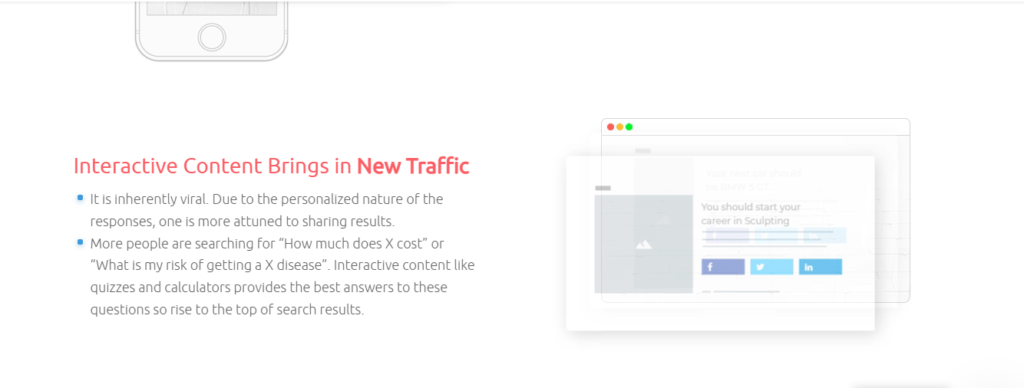
Social media quizzes are excellent tools for driving traffic to your website. By placing links within your results page, you can guide participants toward product pages or landing pages.
A customizable tool allows you to add strong calls-to-action that align with each result. Many brands also design quizzes to take with friends, which increases shares and expands reach organically.
Build Brand Awareness
When your quiz aligns with your brand voice and messaging, it strengthens recognition and trust. Using a branded quiz creator, you can incorporate logos, colors, and consistent messaging into your quiz design.
Creative and relevant quiz ideas, especially fun quizzes to take, help position your business as an authority while keeping your audience entertained. If you’re learning how to make quiz in Instagram, branding elements like stickers and themes can enhance visibility.
Increase Conversions
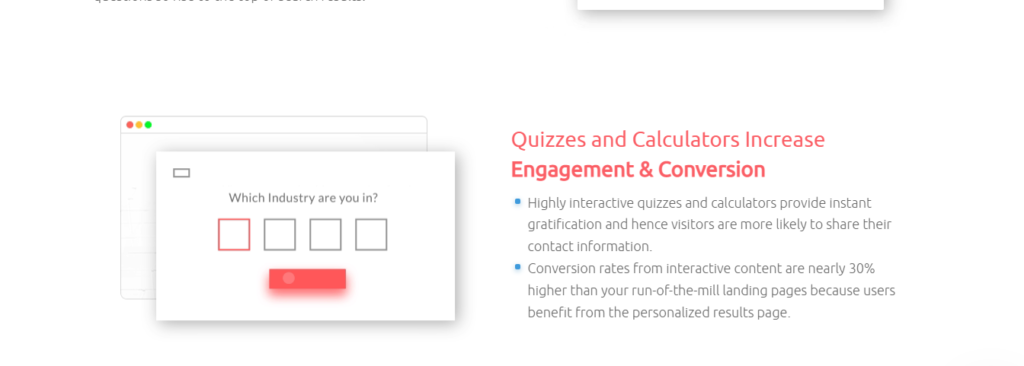
Quizzes are powerful lead-generation tools. Adding a form before displaying results helps you collect contact information in exchange for personalized outcomes.
With a reliable quiz maker, you can integrate lead forms easily. Pair this with engaging quizzes to take with friends, and you’ll see higher completion and conversions rates.
Boost Engagement
Social media users love interactive content. Quizzes naturally encourage participation and sharing.
Interactive formats, including viral quizzes to take, increase time spent with your brand. If you understand how to make quiz in Instagram, you can leverage features like polls and story quizzes to boost engagement even further.
How to Create an Engaging and Effective Social Media Quiz
1. Pick a Trending Topic
Start with a topic that is relevant and attention-grabbing. Trending ideas often work well, especially when they resemble popular quizzes to take with friends that people already enjoy.
Tip: Running out of ideas? Try out this free Idea Generator tool to get some unique topic ideas.
2. Add Images or GIFs to Questions and Answers
Visual content like images, videos, and GIFs makes your quiz more engaging. This is especially important when creating quizzes to take, as visuals improve participation rates. With tools like invideo, you can easily include ai generated images along with videos to make your questions or answers more interactive and fun. For example, you can use quirky visuals to keep the audience hooked on your quiz.
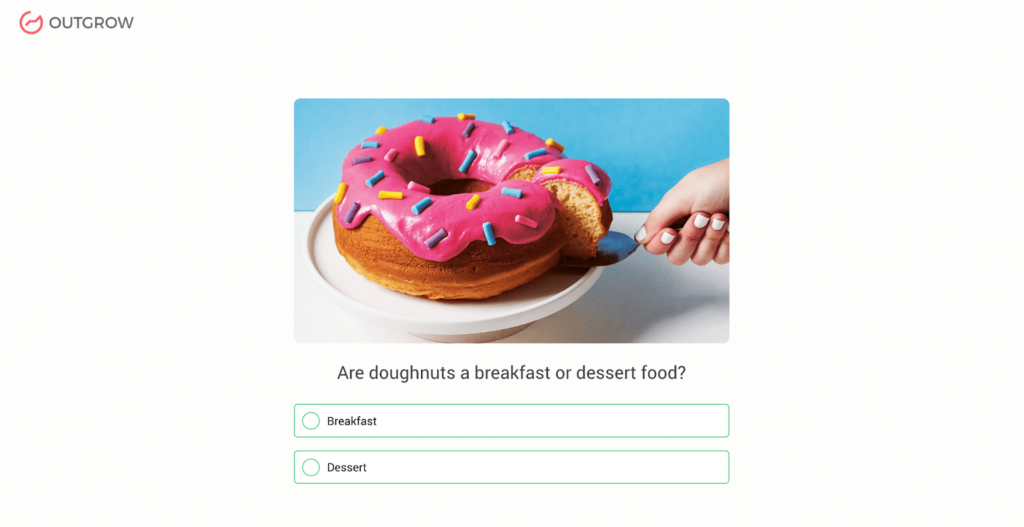
For example, take a look at this delicious quiz question that will make anybody want to participate in the quiz!
3. Optimize the Number of Questions
Once you have decided on the topic, create a list of engaging and interesting questions. The questions should be relevant to the topic and designed to challenge your audience’s knowledge or opinions.
But mind the number of questions. Make your quiz too long, and say goodbye to your audience! The ideal number of questions to have in a social media quiz is somewhere around 5 to 8. Short, engaging formats perform best, especially for audiences looking for quick quizzes to take with friends. In addition, you can use a mixture of multiple-choice, true/false, and open-ended questions to make the quiz more interesting.
4. Add a Lead Generation Form
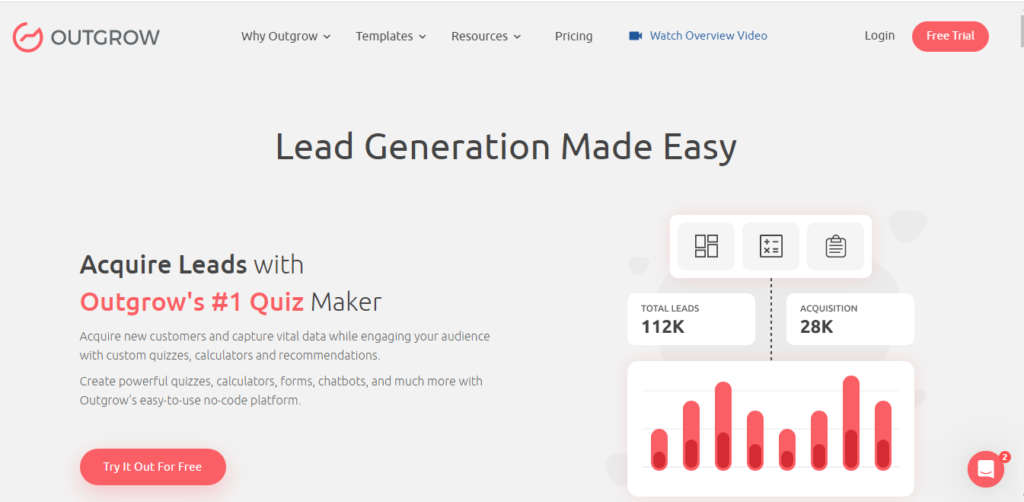
Adding a lead generation form to your social media quiz allows you to gather valuable information about your audience, such as their contact details, preferences, and interests. This information can be used to formulate targeted marketing campaigns and design personalized content for your audience. To make the most of this data, pairing your quiz with a solid lead tracking system ensures that every captured contact is followed up with effectively and no potential customer slips through the cracks. This ultimately increases engagement and builds a stronger relationship with your followers.
5. Personalize the Results Page
By customizing the quiz results to each individual’s responses, you can create a more engaging and interactive experience outcome for your audience. This personalized approach can help to keep your audience interested and invested in your content. Many viral quizzes to take succeed because users love sharing customized outcomes. It also motivates them to share their results with their friends and family and become loyal followers.
How to Use Social Media Quizzes to Get Ahead of Your Competitors
Using social media quizzes can be a fun and effective way to catch up with your audience, drive traffic to your website, and ultimately get ahead of your competitors. Here are some tips on how to use them in the best way.
Choose the Right Platform
Consider choosing the social media platform where your target audience is most active and where your competitors are seeing maximum engagement. Once you’ve figured that out, start posting fun and engaging quizzes frequently to gain an advantage over your competitor’s traditional posts. Facebook, Instagram, and Twitter are some popular platforms for quizzes.
Make it Shareable
Make sure your quiz is easy to share on social media by adding sharing buttons to your quiz results page. This can help increase the reach of your quiz and likely bring in new leads.
Embed on Website and Newsletters
Embedding your quiz on your website and including it in your email newsletters can help increase engagement with your audience and drive traffic through your website too.
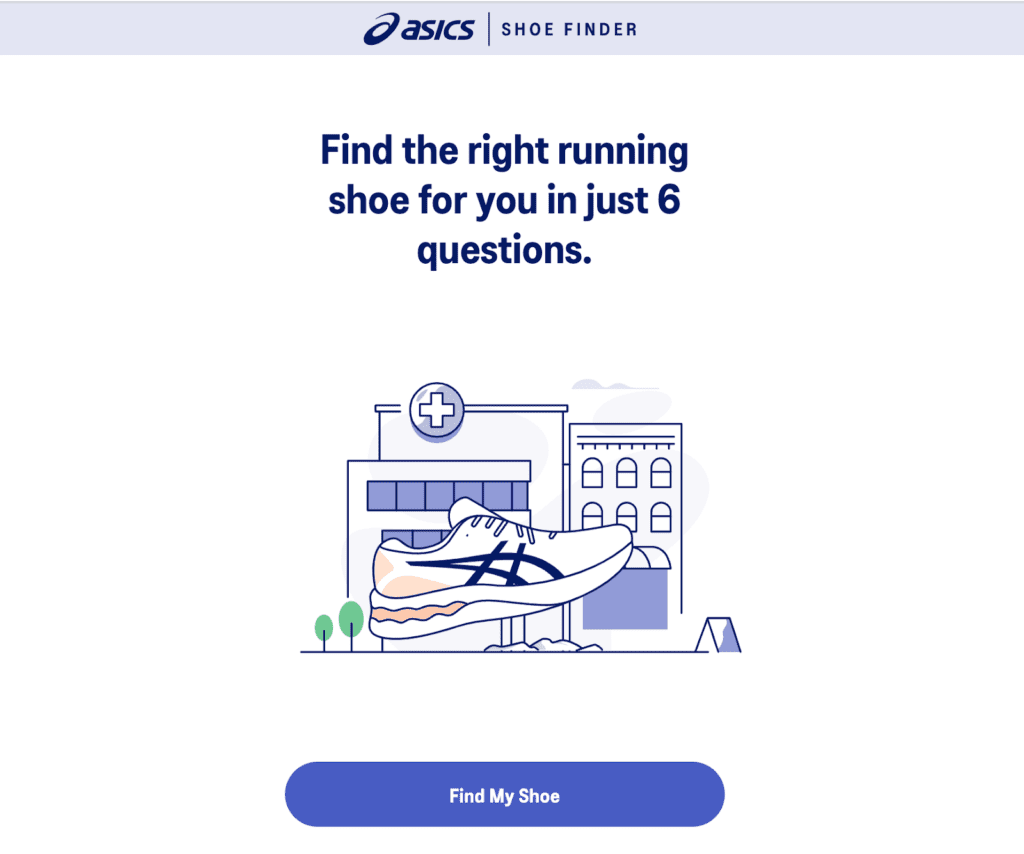
For example, take a look at this show finder quiz by ASICS. They embedded this quiz on their website along with social media posts for a greater reach. This made choosing the right shoe super easy and customizable for the customers.
Include Branding
Make sure your quiz reflects your brand and includes your logo, colors, and messaging. This can help increase brand recognition and build trust with your audience.
Next time a user is looking for a product that you offer, they will recall your brand through this fun quiz. This may help increase sales conversions.
Analyze the Results
Use analytics tools to track the results of your quiz, which tells you about the quiz participants. For example, how many people took it, how many of them completed it, how many shares the quiz received, and what the results were – these are some of the many questions that your quiz maker analytics section can answer for you. This can help you understand your audience better and upgrade your future quizzes.
By following these tips, you can create more attractive and engaging social media quizzes that help you stand out from your competitor’s traffic to your website.
5 Effective Strategies for Creating a Winning Social Media Quiz?
1. Know your Audience and Their Pain Points
Understanding your target audience’s interests, preferences, and pain points is important before creating a social media quiz. This will help you craft questions and answers that are relevant to them.
Tip: Try using a poll or survey to ask them about their problems or needs. The best way to know your customers is to ask them directly!
2. Keep it Simple
Social media users have a short attention span, so keeping your quiz simple is essential to avoid audience ignorance.
Have a clean and witty title and description for the quiz. Avoid complex questions or answers that can confuse or frustrate users. Instead, use images as responses wherever you can, as images are more easily comprehended than text.
Also, keep the number of questions from 5 to 8, as mentioned previously. Moreover, have only 2-3 most important fields in your lead generation form. Otherwise, users are going to abandon it.
3. Provide Immediate Feedback
Provide immediate feedback after each question to keep the participant entertained and boosted. Immediate feedback is a critical element of a successful social media quiz. This can also help them learn and retain information, increasing the quiz’s effectiveness in achieving its goal.
4. Offer an Incentive
People love incentives, so consider offering a prize or reward to users who complete your quiz. This can be anything from a discount coupon code to a free product or service.
Participants who are motivated by an incentive would increase the overall completion rates of your quiz. They may also be more likely to provide accurate responses, which can improve the overall quality of the data collected.
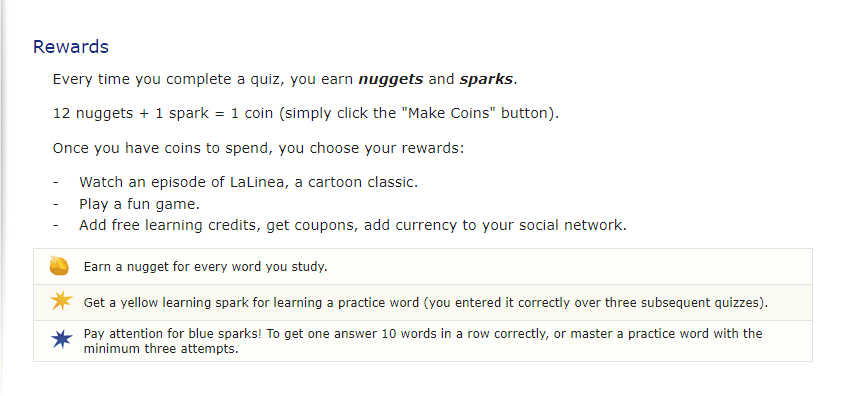
Check out how LearnThatWord motivates its audience to finish their quiz by offering exciting rewards!
5. Promote it Effectively
Even the best social media quiz won’t be effective if people don’t know about it. Promote your quiz on all your social media channels effectively and efficiently.
If you have an email list, send a newsletter or dedicated email promoting your quiz. Make sure to include a clear call-to-action and a link to the quiz.
You can further consider running social media ads to boost your quiz’s reach. Partnering with influencers or other brands is another great way to reach a wider and more relevant audience.
Ready to Create Your Social Media Quiz?
We discussed how creating an effective and engaging social media quiz can help businesses get ahead of their competitors. It helps you by increasing audience engagement and providing useful insights into their interests and preferences.
Some tried-and-tested strategies for creating winning social media quizzes include adding lead-generation forms and personalizing the results. So, by using the power of social media marketing, and personalizing the results to address customer pain points, businesses can achieve their marketing goals.
So, what’re you waiting for? Join the quiz campaign and engage your audience like never before! Sign up for our free trial today and find out how easy it is to create interactive quizzes that will keep your customers coming back for more.
FAQs

Bhumi Agarwal is a Marketing Generalist at Outgrow. With a pen that weaves magic and a mind that crafts strategies, she brings life to her content. When not immersed in work, you’ll find her dancing to musical symphonies on her mouth organ or whipping up culinary masterpieces in the kitchen.



![How to Write Good Quiz Questions [Tips and Tricks]](https://outgrow.co/blog/wp-content/uploads/2022/08/write-quiz-768x432.jpg)